
Sticky notes for your Home Screen.
Check off an item on the Groceries note. The widget on the phone checks it off too.
Free to start. No account. iPhone and iPad.
Groceries
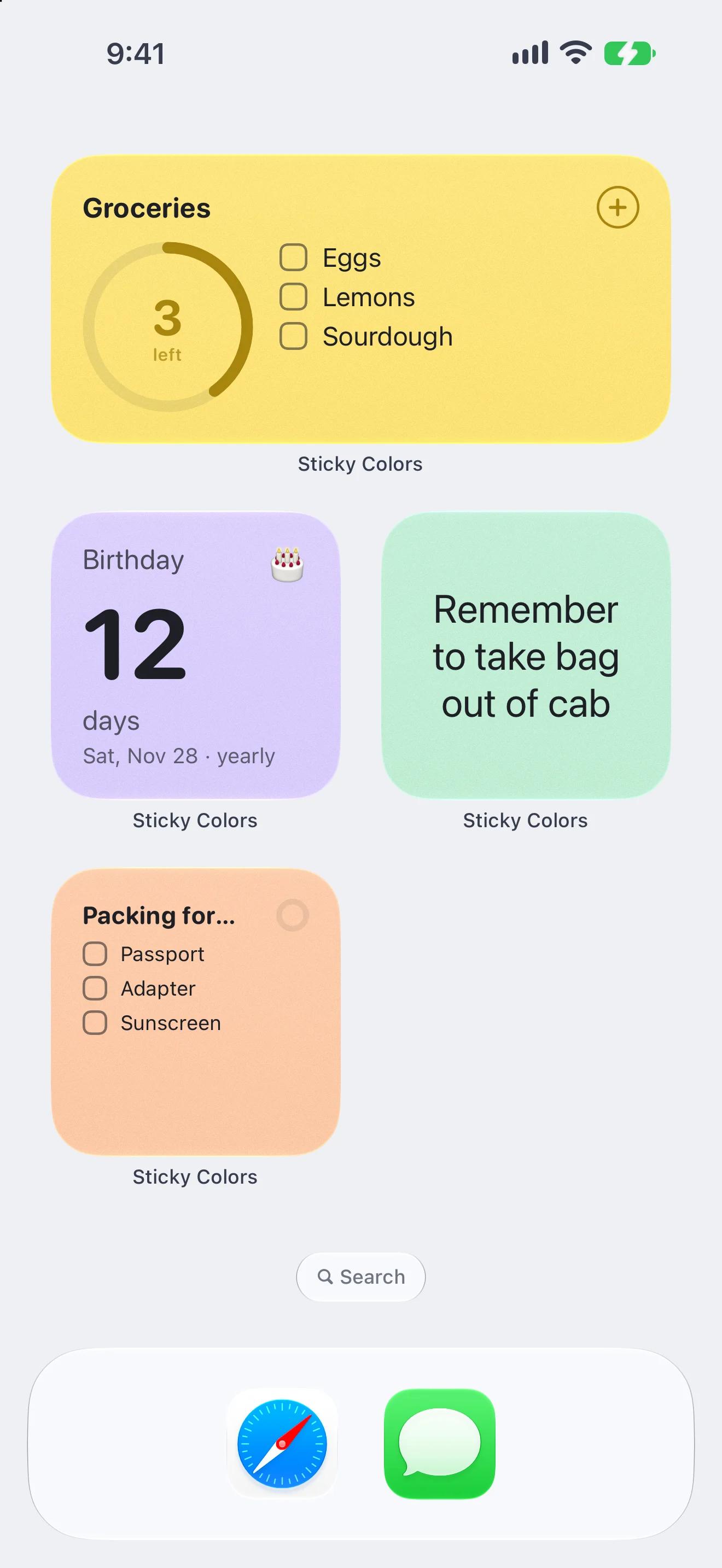
Checklists, text notes and countdowns.
Sticky Colors is a notes app for iPhone and iPad, built around the Home Screen. Write checklists, text notes and countdowns on colorful paper, then put them on your Home Screen or Lock Screen as widgets. Check items off right from the widget, without opening the app.
A day in notes
Example notes, to show how a day might go.
7:40 AM
Groceries
9:15 AM
Today
1:00 PM
Birthday
12daysSat, Nov 28 · yearly6:30 PM
Packing for Lisbon
11:50 PM
Remember to take bag out of cab
Widgets for your Home Screen
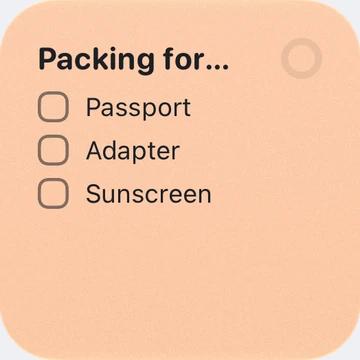
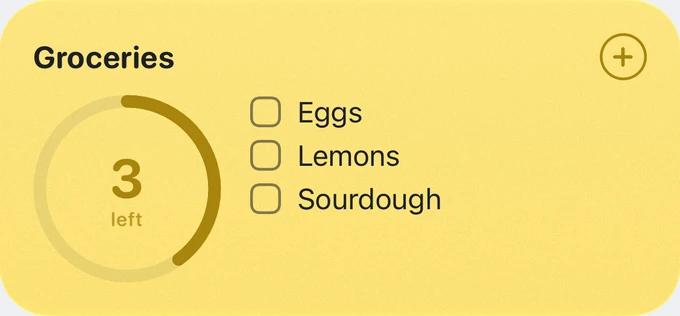
List
Check items off a list without opening the app.
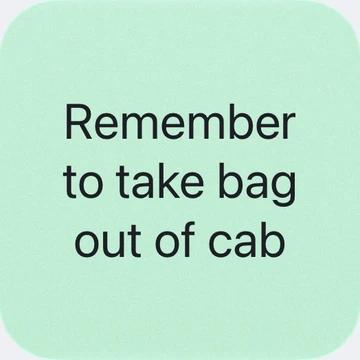
Text
Keep a text note in view.
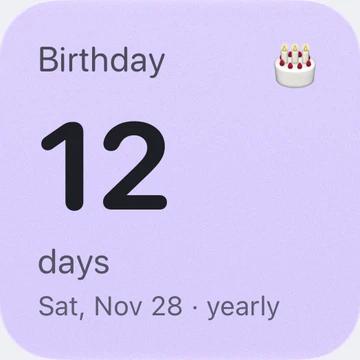
Countdown
Count down the days to a date you pick.
Which sizes are free?
Small widgets are free. Medium, large and extra large on iPad need Plus.
Lock Screen
Every Lock Screen widget is free. On the rectangular one you can check items off too.
Control Center
A New sticky button opens Sticky Colors on a new text note. It is free.
Small details
Check off from the widget
Tap a checkbox on the List widget and the item is done. No need to open the app.
Reminders
Countdowns remind you on the day, or a few days early.
- On the day
- 1 day
- 3 days
- 7 days
Siri and the share sheet
“Add to Groceries in Sticky Colors”
Scan text Plus
Point the camera at a printed or handwritten list and every line becomes a checklist item.
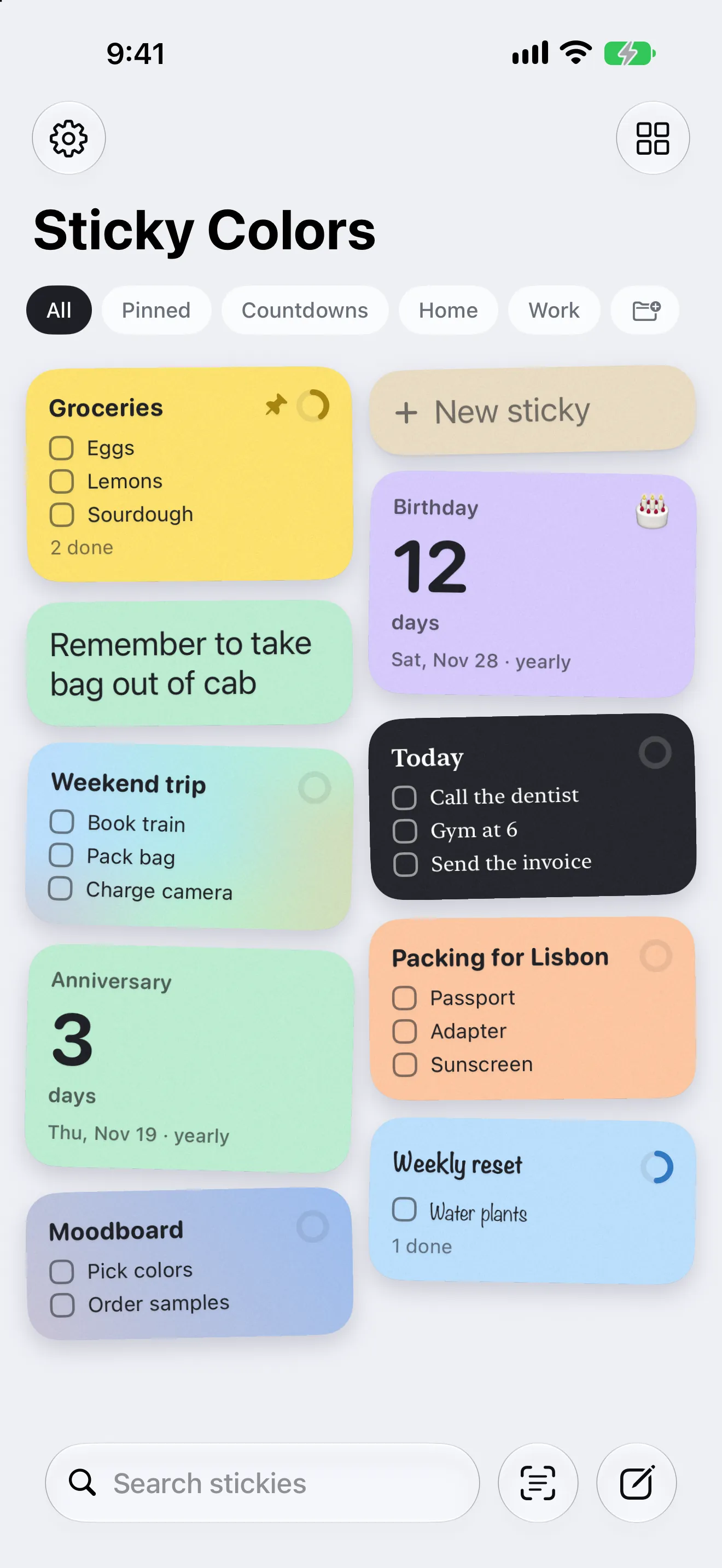
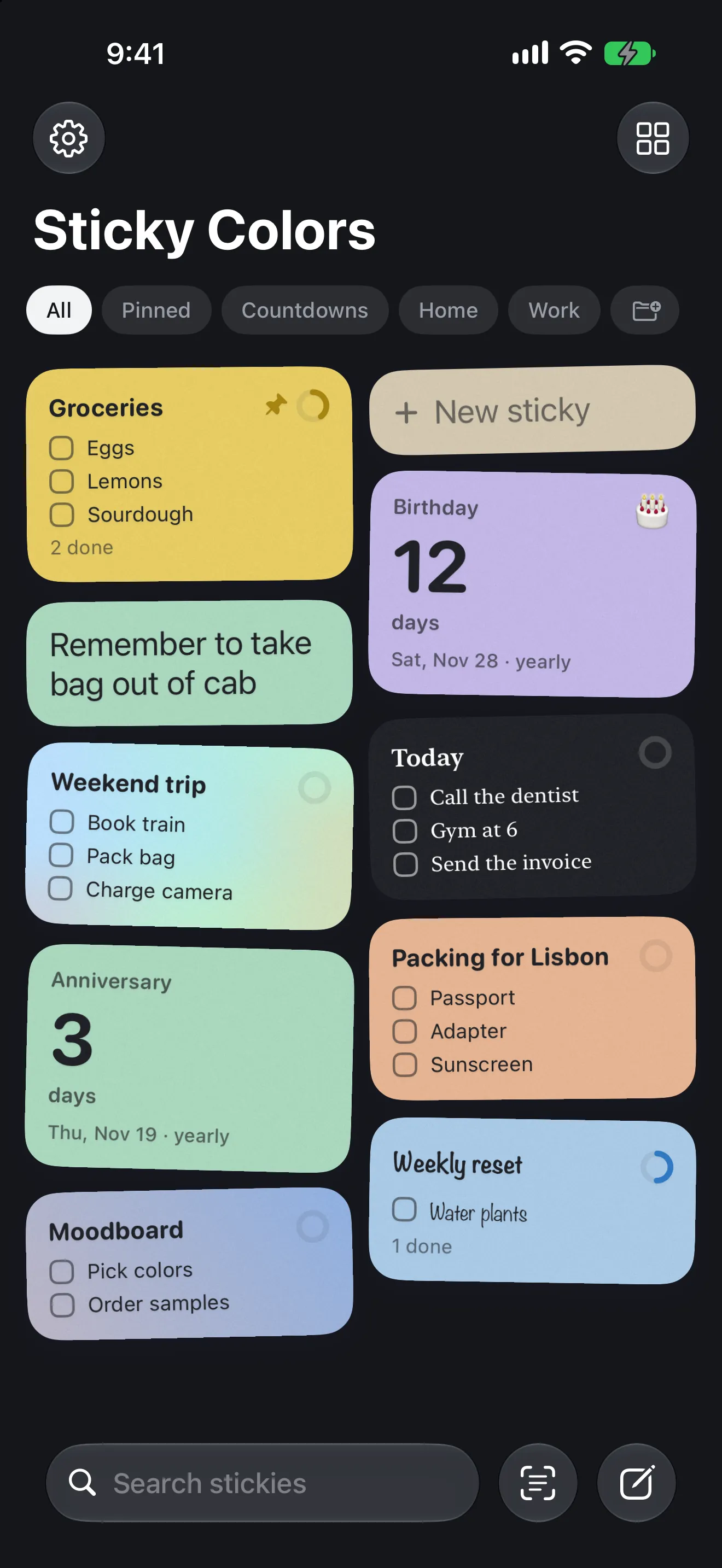
Dark mode keeps the paper bright
Notes look like real sticky notes in both modes.
Private by default
Your notes are yours. We built the app so that we cannot read them.
- No account. Nothing to sign in to.
- Your stickies live on your device and in your own private iCloud.
- No ads and no tracking. Anonymous usage and crash reports help us improve the app, never your notes, and you can turn them off.
- We run no server, so we cannot read your notes.
Rebuilt from scratch
Sticky Colors first launched in 2020. In 2026 we rebuilt it from scratch in native SwiftUI. It is made by Cartsmiths.
Used the old version?
Your lists come with you the first time you open 3.0. Small widgets keep working; medium and large ones now need Plus.
Free to start. Plus when you want more.
Free
$0
- 3 stickies
- Small Home Screen widget
- Every Lock Screen widget
- iCloud sync
- 6 colors and 3 fonts
What Plus adds
- Unlimited stickies
- Medium and large widgets, and extra large on iPad
- All 12 colors and 8 fonts, gradients and photo backgrounds
- Scan text, App Lock and checklist reminders
Plus Monthly
$2.99
per month
Plus Yearly
$19.99
per year
Plus Lifetime
$39.99
one time
Prices in US dollars; local prices may differ. Future add-ons may be sold separately.
Questions
Need a hand? Open the full support page.
How do I add a widget to my Home Screen?
iOS does not let an app place a widget for you, so Sticky Colors shows you how. Open the widget gallery in the app, or tap Show me how on the Add a widget tip on Home, for a four-step guide.
Once the widget is on your screen, touch and hold it and choose Edit Widget to pick which sticky it shows. Until you pick one, it shows your most recently updated sticky of that kind.
Can I check things off from the widget?
Yes. On the List widget every checkbox works in place, and so does the rectangular Lock Screen widget. Tap one and the item is checked off without opening the app. Tap the plus on the List widget to open the note with Add an item ready to type.
The Text and Countdown widgets open the note when you tap them. The small Home Screen widget is free. Medium and large ones need Plus.
Does it sync between my iPhone and iPad?
Yes, through your own private iCloud. There is no account to make, and we run no server, so we cannot read your notes. Items you check off on a widget reach your other devices through iCloud too.
In Settings you will see Last synced and Sync: iCloud. If you are signed out of iCloud, Settings says This device only. That means your stickies are not being shared with your other devices.
What is included in Free, and what does Plus add?
Free includes up to 3 stickies (checklists, text notes and countdowns together), the small Home Screen widget, every Lock Screen widget, the Control Center New sticky button, 6 colors, 3 fonts, iCloud sync, sharing into the app, Siri and Shortcuts, folders and Trash.
Plus adds unlimited stickies, medium and large widgets (and extra large on iPad), all 12 colors and 8 fonts, gradients and photo backgrounds, Scan text, App Lock and checklist reminders. If Plus ever ends, nothing you made disappears: stickies over the limit stay editable and the styles you applied stay.
I used the old version. What happens to my notes and purchases?
Your lists from the old version are brought over once, the first time you open version 3.0 on the device that has them. Each one becomes a checklist, with its items, checkmarks and stars. Your old lists are left untouched.
Widgets you already placed keep working. Small ones carry on as before, while medium and large ones now need Plus. If you bought the old one-time unlock, you get Plus for life. Subscriptions from the old version do not carry over to Plus.
Made by Cartsmiths